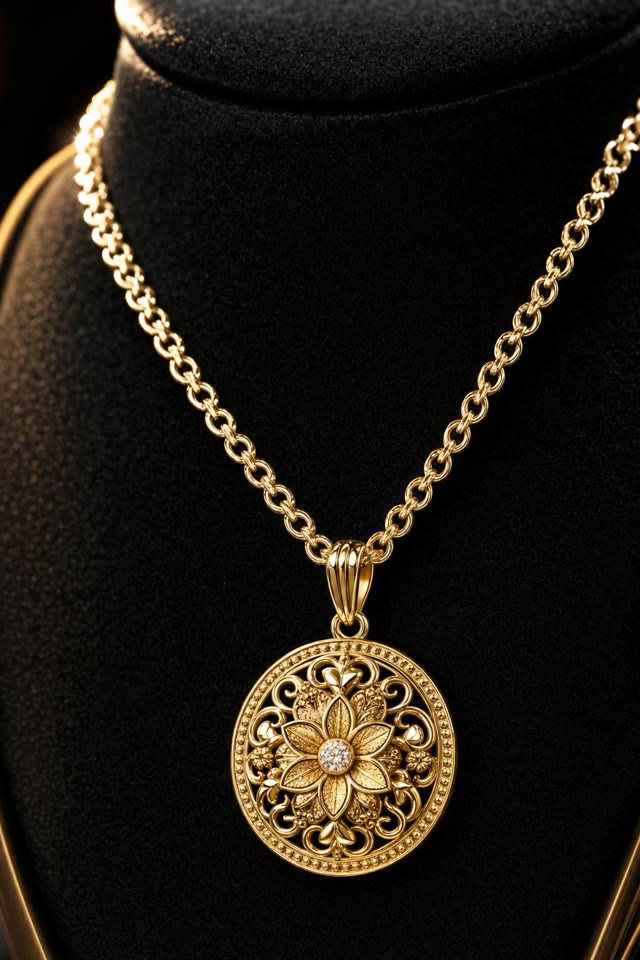
P-Video-2

从文字或参考图片生成视频,同时生成对白、音乐和音效。通过六个可播放案例,了解 Pruna 的 P-Video-2 如何呈现人物、角色和商品。

Pruna 创作平台

在新标签页打开

在下方使用 Pruna 官方创作平台。账户要求、使用额度与费用以 Pruna 为准。

P-Video-2 视频案例

案例来自 Pruna 官方文档及其 Replicate 模型页,点击播放即可听到声音。下方尺寸与时长以实际视频文件为准。

图生视频

护肤品出镜介绍

人物拿着产品对镜头说话,可以观察嘴型、手势与背景音的配合。

412 × 640 6 秒 含音频

英文提示词参考
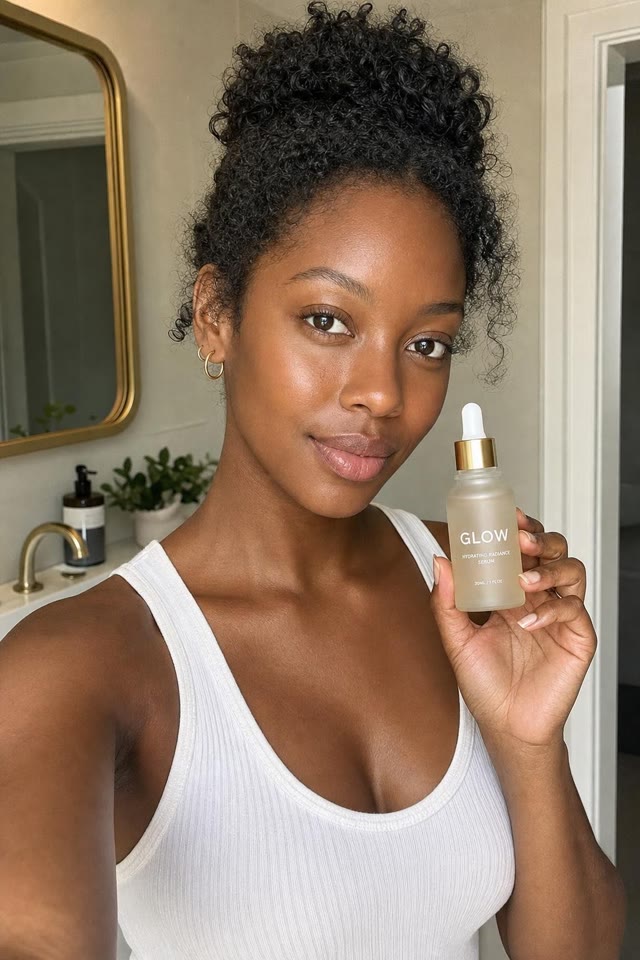
参考图片: 护肤品出镜介绍
参考图片

用于尝试类似场景的参考提示词,并非案例的原始生成提示词。

Animate the reference portrait as a short product introduction. The presenter holds the bottle and explains how she applies it. Keep the camera steady, preserve her appearance, and add a clear conversational voice with quiet room ambience.
文生视频

吉他弹唱

人声、吉他声与室内环境音同时出现,可以对照演唱声音观察嘴型变化。

704 × 1280 19.7 秒 含音频

英文提示词参考

用于尝试类似场景的参考提示词,并非案例的原始生成提示词。

A singer performs an original verse while playing acoustic guitar in a warmly lit room. Keep the shot close and steady. Match the mouth movement to the singing, with natural guitar strums, a clear vocal and soft room sound.

图生视频

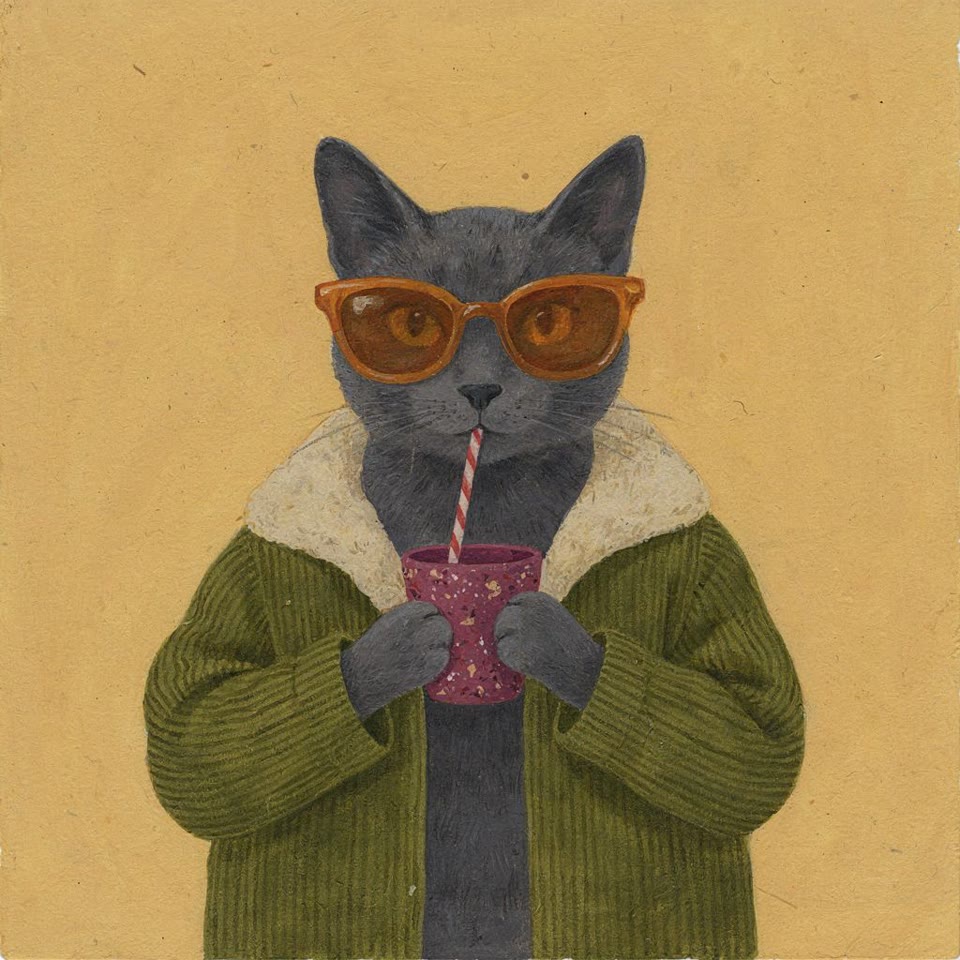
说“miau”的猫咪

插画猫咪暂停喝饮料并发声,可以与参考图对比面部、墨镜和服装的一致性。

1408 × 1408 8.4 秒 含音频

英文提示词参考
参考图片: 说“miau”的猫咪
参考图片

用于尝试类似场景的参考提示词,并非案例的原始生成提示词。

Animate this illustrated cat without changing its face, sunglasses, jacket or surroundings. It takes a sip, looks at the viewer, says "miau", then returns to its drink. Keep the voice brief and the movement gentle.

图生视频

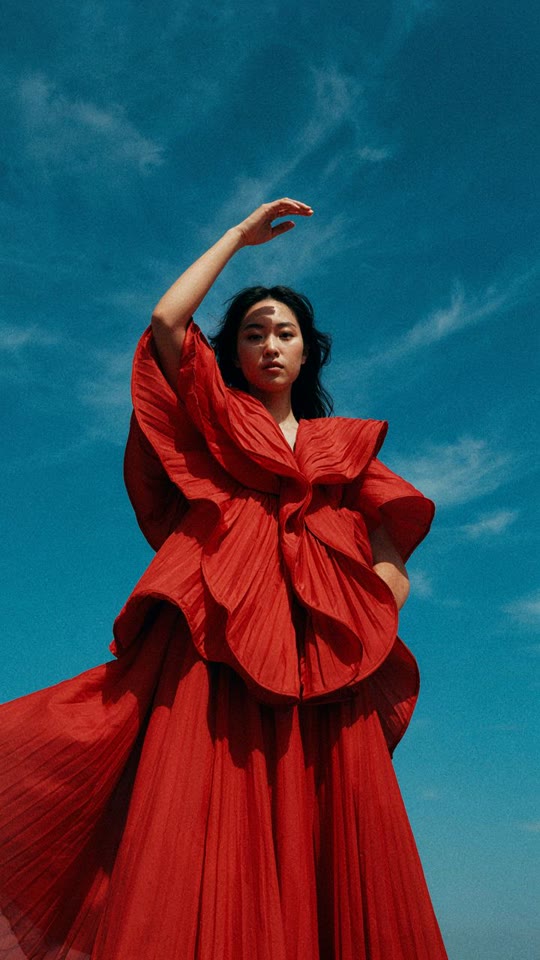
动态时装人像

静态时装照片变成短片,可以观察姿势变化、头发运动和衣料褶皱。

1088 × 1920 6.4 秒 含音频

英文提示词参考
参考图片: 动态时装人像
参考图片

用于尝试类似场景的参考提示词,并非案例的原始生成提示词。

Animate the fashion reference with a small change of pose and a light breeze through the hair and fabric. Keep the face, hands and outfit consistent. Use a fixed camera and let the model remain in the same place.

图生视频

珠宝微距

产品图片加入移动反光和轻微推进镜头,可以观察吊坠形状与表面细节。

412 × 640 4 秒 含音频

英文提示词参考
参考图片: 珠宝微距
参考图片

用于尝试类似场景的参考提示词,并非案例的原始生成提示词。

Create a close-up product video from this pendant photograph. Move the light slowly across the metal and gemstone while the camera inches closer. Preserve the exact shape and fine details, with a quiet instrumental background.

文生视频

异星上的宇航员

宇航员走过陌生地貌,可以观察跟随镜头、空间层次和环境运动。

1920 × 1088 5.4 秒 含音频

英文提示词参考

用于尝试类似场景的参考提示词,并非案例的原始生成提示词。

An astronaut walks across a red rocky plain beneath an enormous distant planet. Track backward at walking speed to keep the astronaut in frame. Add drifting dust, footsteps and a restrained atmospheric soundtrack.

P-Video-2 支持什么

输入
文字,可附加图片或音轨
分辨率与帧率
最高 1080p、48 fps
视频长度
最长 20 秒
音频
生成对白、音乐和音效,也可导入音频

如何写提示词

  1. 说明一个主要动作、场景和镜头运动。
  2. 需要人物说话时,写出具体台词,并描述声音、停顿和背景音。
  3. 使用参考图片时,说明哪些部分应当运动、哪些部分需要保持一致。

关于 P-Video-2 的常见问题

可以在这个页面直接生成 P-Video-2 视频吗?

可以,在上方嵌入的 Pruna 创作平台中操作。账户要求、使用额度与费用以 Pruna 为准。如无法加载或登录,可以在新标签页打开。

这是 P-Video-2 Pro 或 P-Video-Avatar 吗?

这里展示的是 P-Video-2。P-Video-2-Pro、P-Video 和 P-Video-Avatar 是不同的模型。

可以用照片或音轨作为输入吗?

可以。参考图片用于确定场景和画面比例,导入音轨会决定视频的时间安排。也可以通过提示词描述对白或音乐,让模型生成音频。

模型资料