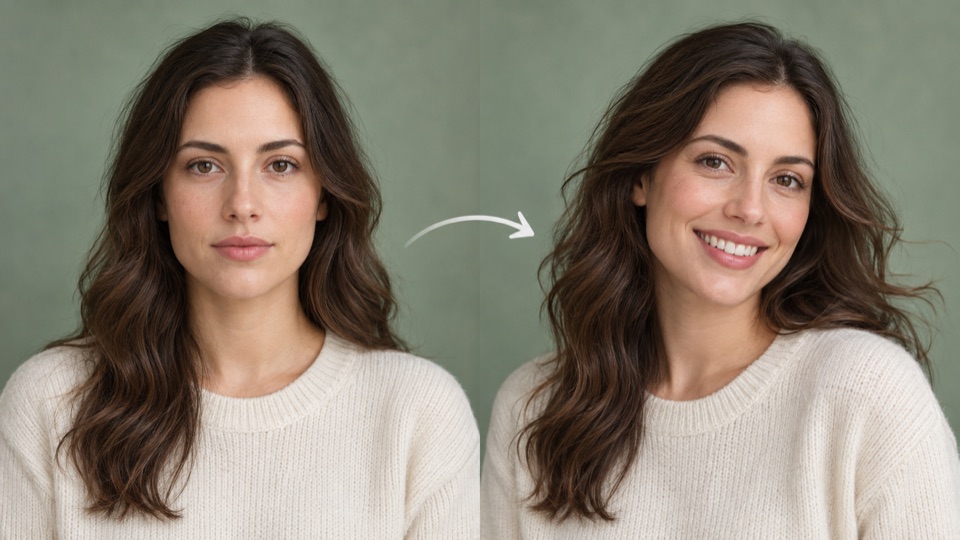
 Free LivePortrait Generator
 Portrait Animation
Animate a portrait with speech, re-dub an existing video, or transfer a performer's movements to a character. Compare the inputs and open the tool that fits your footage.
Free LivePortrait Generator Portrait Animation
 Free SadTalker Generator
 Photo and speech to a talking head
 Free OmniAvatar Generator
 Photo and speech to an avatar
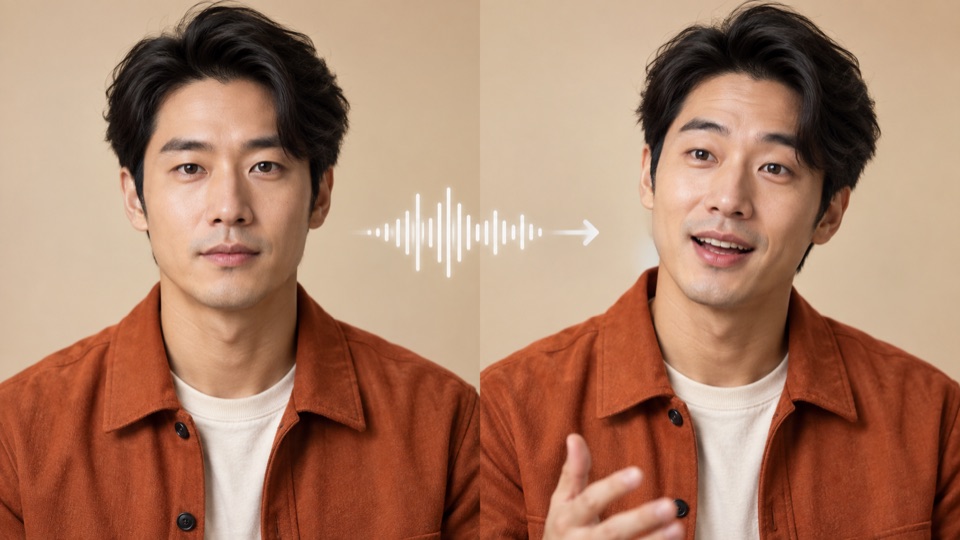 Free LongCat Video Avatar 1.5 Generator
 Talking Avatar
 Free VideoReTalking Generator
 Re-dub a Talking-Head Video
 Free Wan2.2 Animate Generator
 Character motion and replacement
 Free Wan-Animate-2 Generator
 Character body and facial motion
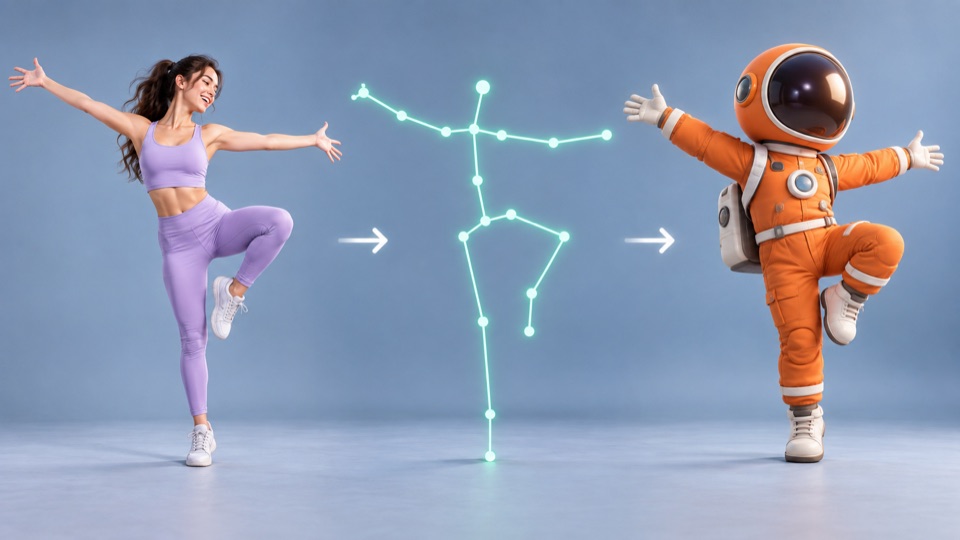 Free SCAIL-2 Generator
 Character Motion Transfer
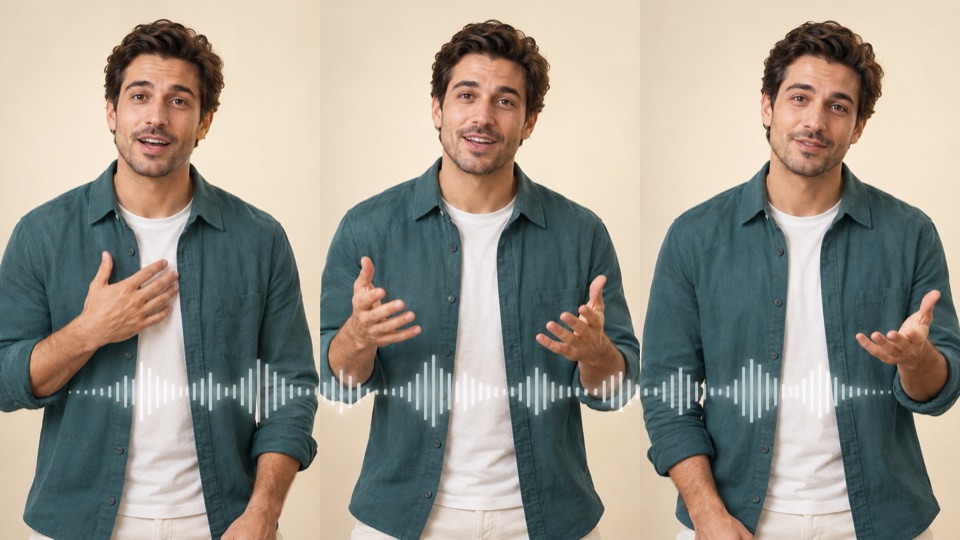 Free TANGO Generator
 Speech Gesture Video
 Viggle Animate Generator
 Transfer a Performer's Motion to a Character
Generation usually needs PRO quota
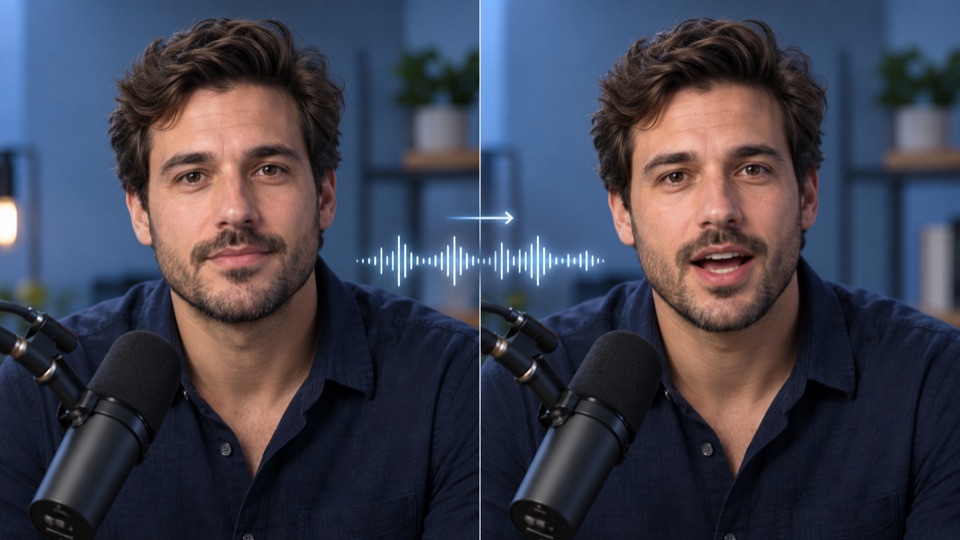 Free LatentSync Generator
 Video Lip Sync
Embedding unavailable
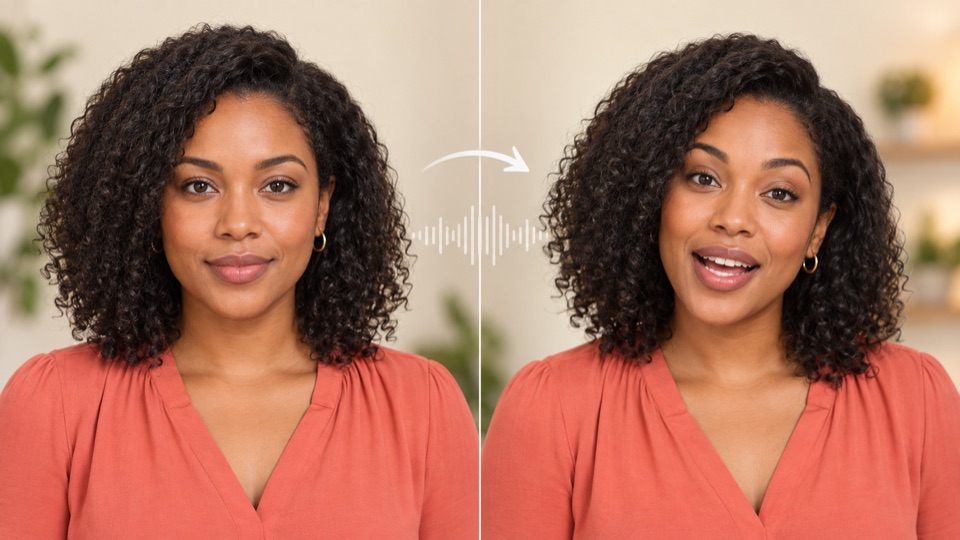 Free EchoMimic Generator
 Audio-Driven Portrait
Embedding unavailable
Use SadTalker for a talking head, or OmniAvatar and LongCat Avatar for speech with body motion. A clear portrait and short recording are a useful starting point.
Use VideoReTalking to match an existing speaker's mouth to new audio. Keep the face visible and trim the video and recording to the section you want to re-dub.
Use LivePortrait for facial expressions, or SCAIL-2 and Wan Animate for body motion. Match the reference character's framing to the performer in the driving clip.
Most public demos offer shared or operator-funded capacity with queues. Viggle Animate currently requests more GPU time than a free account's daily allowance; generation generally needs PRO quota. Its examples can be viewed without generating.
TANGO provides a default character for speech-driven gestures. SadTalker, OmniAvatar and LongCat Avatar need a character image as well. LivePortrait needs a driving video rather than speech audio.
The listed LatentSync and EchoMimic providers currently prohibit embedding. Their pages explain the inputs and link to alternatives. The other workspaces load automatically; public services may still queue or require sign-in.